
How To Download & Install 2go for Android from Google Play
I also went through this same challenge, I would visit Google Play, Search for 2go, when downloading the file (about 2.25MB), it gets to 600kb or 700kb and shows me “package file is invalid”
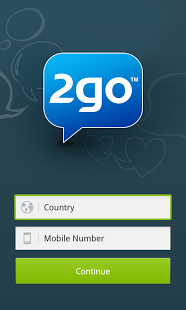 In many cases, we are advised when Installing an App that gives error such as: “Package file is invalid”
The Fix is:
Well, if that still did’t help, here’s How I installed 2go App on my Android.
- Go to Google Play,
- Install HideMan VPN, Do not open yet
- Close your Google Play app if it’s still running
Now Launch the HideMan VPN app and Connect
After some seconds, when Connected, it will change your Country and I.P
Now head back to Google Play, Search for 2go, and Download again, this time it won’t give you any more errors.
NOTE For Installing INSTAGRAM APP on Your Android
This same method applies if you are having difficulties installing Instagram, I used HideMan VPN to install Instagram on my droid, but Do not use HideMan VPN to Register on Instagram for the first time on your Android, when I did, my Account got Suspended immediately.
After Installing Instagram, be sure you disconnect HideMan VPN before going back to launch the Instagram.
I really don’t understand why some Applications bring errors or don’t download when we use our original country I.P on Google Play, but I’m pretty sure, the problem will be solved once you’re Connected through some VPN application.
Enjoy!